Character artist
Separate a robot's body, arms and possible joints before planning movement.
Use a spatial reference to decide what needs rigging; see neural4d for 3d models for that broader workflow.
neural4d for 3d modelsInput and output
An image to 4d model request asks one still picture to supply both shape and change over time. A 3D starting point may help you plan the scene, but motion needs additional decisions or reference frames.

If your immediate goal is a usable asset rather than a time-based scene, these related paths narrow the question.
The structural difference is not just an extra dimension of geometry: a time-based result must describe what changes, when it changes and what stays consistent.
Single still image
Time-based 3D model
Single still image
One captured angle
Time-based 3D model
Spatial form viewed across a sequence
Single still image
Suggested by shading and perspective
Time-based 3D model
Represented by geometry or another spatial structure
Single still image
Not visible
Time-based 3D model
Must be supplied or inferred
Single still image
No recorded movement
Time-based 3D model
Position or shape varies with time
Single still image
One instant
Time-based 3D model
An ordered sequence or animation
Single still image
Only visible details can be checked
Time-based 3D model
Appearance must hold across views and frames
Compare the pictured robot with a model-like view of the same subject. The second view can suggest volume; neither image establishes how its parts move.

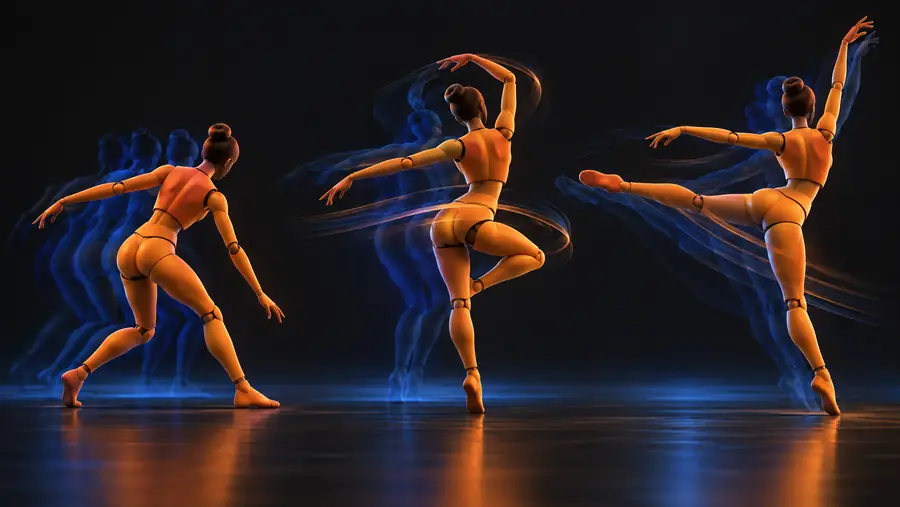 Still image
Spatial view
Still image
Spatial view
The slider compares visual representations, not animation frames. Back surfaces, joints, movement paths and timing cannot be verified from this pair.
Neural4d points you toward a 3D creation starting point. Treat any result as a visual reference to inspect, not proof that a still has become a moving scene.
Separate a robot's body, arms and possible joints before planning movement.
Use a spatial reference to decide what needs rigging; see neural4d for 3d models for that broader workflow.
neural4d for 3d modelsCheck whether a pictured object's visible colors remain legible from another angle.
Distinguish the surface treatment from geometry with image to 3d model with texture.
image to 3d model with textureShow an object concept before committing to an animation plan.
Present it as a concept, not a motion test; neural4d mockup covers that distinction.
neural4d mockupInspect the spatial result first, then test motion separately. A convincing render at one angle does not settle either question.
Put the reference beside the result and check proportions, major parts and the visible outline. Mark anything the original picture never showed as an interpretation.
Look for incomplete back surfaces, fused parts and stretched textures. Note which areas need manual modeling or better references.
If you need motion, define joints, poses and timing independently. Check several frames for intersections and unwanted changes in appearance.
Try a 3D starting point for your subject, then evaluate its shape and surface detail. For a time-based result, plan the missing poses and movement as a separate step.
Explore 3D creationOne image provides appearance at a single moment, not a record of movement. A moving model also needs spatial structure, poses and timing, which must be inferred, specified or captured from other references.
In this workflow, 4D usually means 3D content that changes over time. It does not mean that adding depth to a still automatically produces animation.
No. Image-to-3D aims to establish spatial form, while a time-based model must also describe how that form or its position changes. A 3D result can be a starting point, but it does not verify motion.
Multiple views help clarify shape, while a sequence of frames or a movement description helps establish poses and timing. References showing hidden parts and joints reduce guesswork when you inspect or animate the result.