A clear starting point

What Does neural 4d ai Mean for 3D Creators?

Neural4d uses neural 4d ai as a starting point for understanding AI-assisted 3D creation: turning a description or visual reference into a model concept. The term alone does not establish that a tool produces animation, a time-based scene or a mathematically four-dimensional object.

Neural4d landing illustration for AI-assisted 3D creation

How it works

A typical AI-assisted 3D workflow moves from an idea to a shape, then to a reviewable result. The exact controls and outputs depend on the service used.

  1. 1

    Start with a reference

    A written description or image establishes the subject, silhouette and visible details. A clear reference reduces ambiguity, although it cannot show every side of an object.

  2. 2

    Estimate three-dimensional form

    A model-generation system infers depth and unseen surfaces from the available clues. Those inferred areas are predictions, not details recovered from the original reference.

  3. 3

    Inspect and revise

    Rotate the result when the destination service permits it, looking for distorted backs, merged parts and inconsistent proportions. Treat the first result as a concept until it passes the checks your project requires.

Can / cannot do

The useful distinction is between a plausible 3D concept and a verified, production-ready asset.

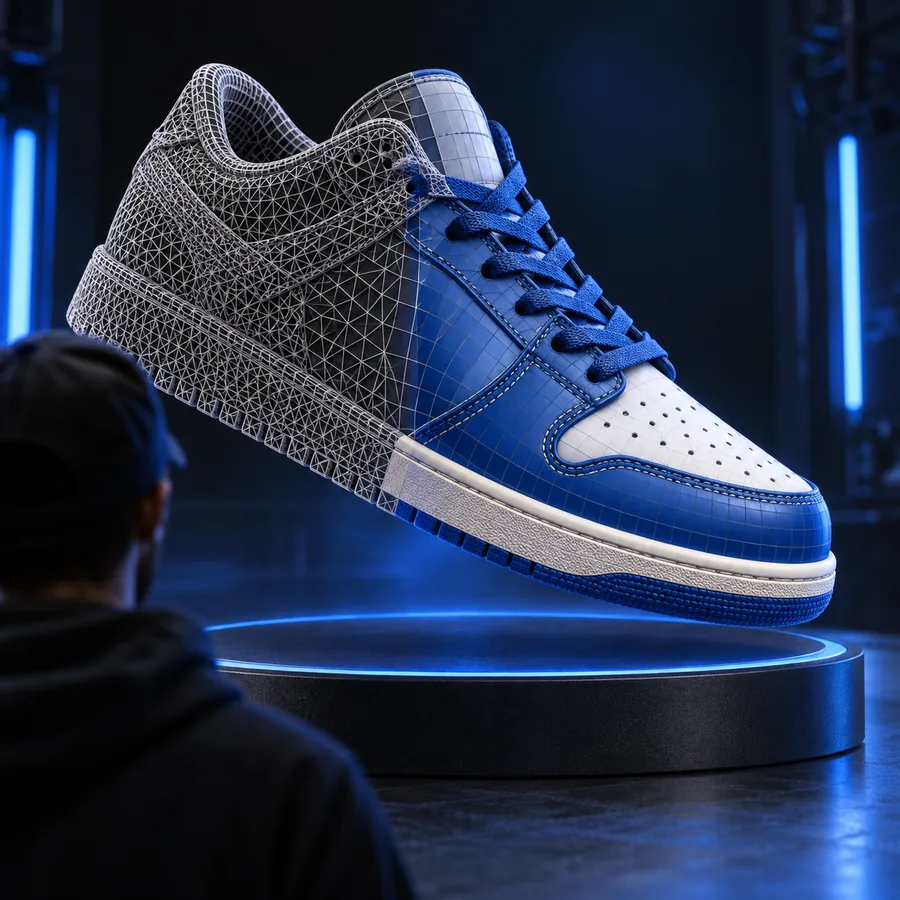
Illustration of a visual reference used in a 3D concept workflow

1

Can suggest a shape from limited information

AI can use visible edges, shading and familiar object patterns to propose depth. Neural4d explains why this is useful for exploring a silhouette quickly, while reminding you that a convincing front view says little about an unseen back.

  • Useful for early visual exploration
  • Unseen geometry remains an estimate
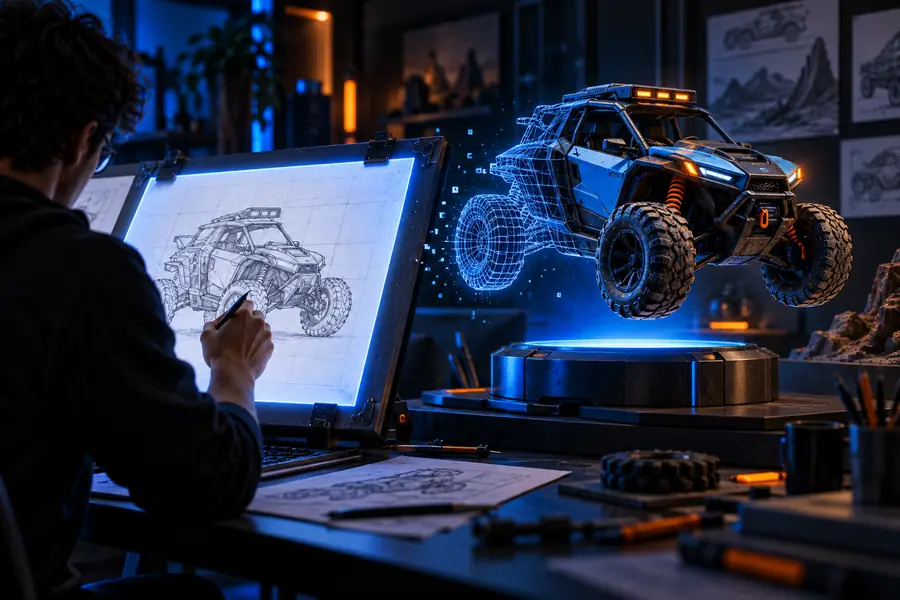
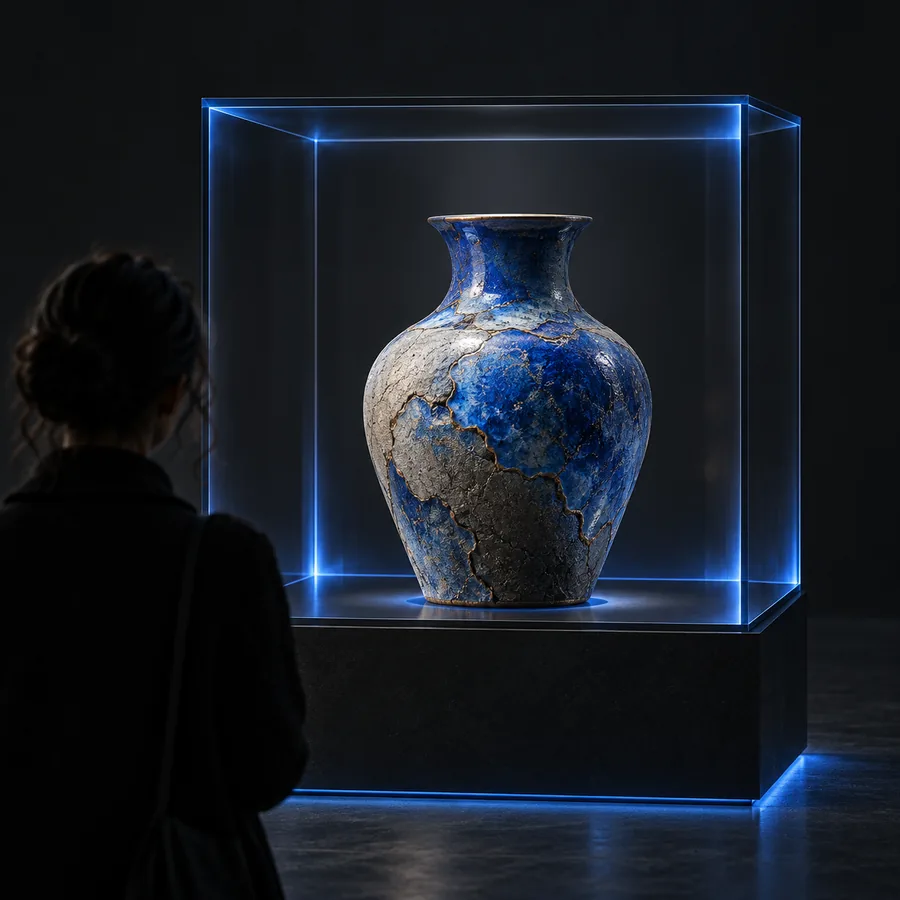
Illustration of a 3D form that needs inspection from multiple angles

2

Cannot guarantee engineering accuracy

A generated-looking model should not be assumed to have exact dimensions, clean topology or printable walls. For manufacturing, rigging or close-up rendering, inspect the geometry in the software and against the specifications that matter to you.

  • Check dimensions independently
  • Check topology for the intended use
Illustration of a 3D creation workflow rather than a confirmed animation output

3

Does not make 4D a promised export

In graphics, a fourth dimension often means time: a 3D scene changing across frames. In mathematics, it can mean an additional spatial dimension. Neither interpretation confirms that a service supports animation or four-dimensional data; check its stated capabilities before planning around them.

  • 3D describes spatial form
  • Time-based output needs separate confirmation

These guides separate the broad idea from specific inputs, outputs and uses.

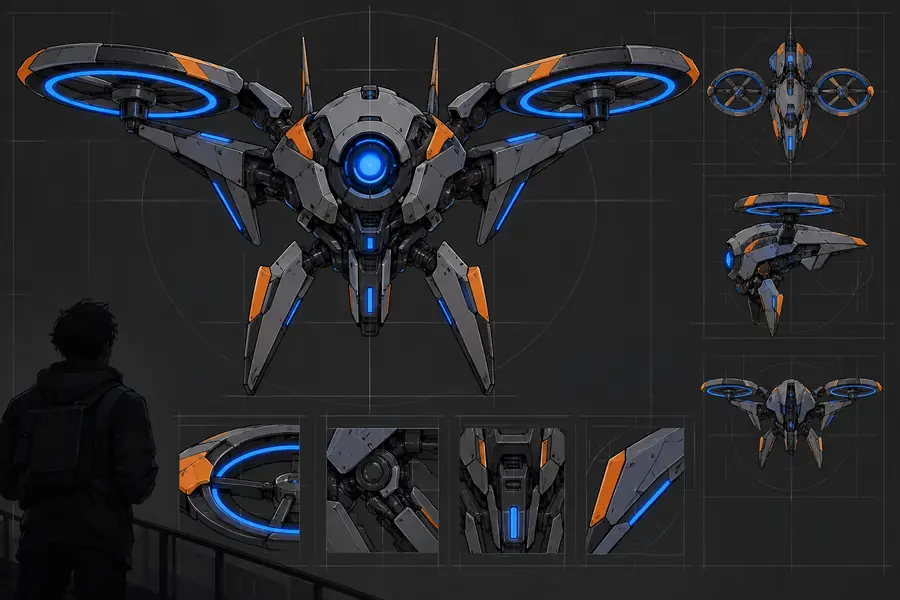
Can / cannot do: the visual difference

  • Reference image
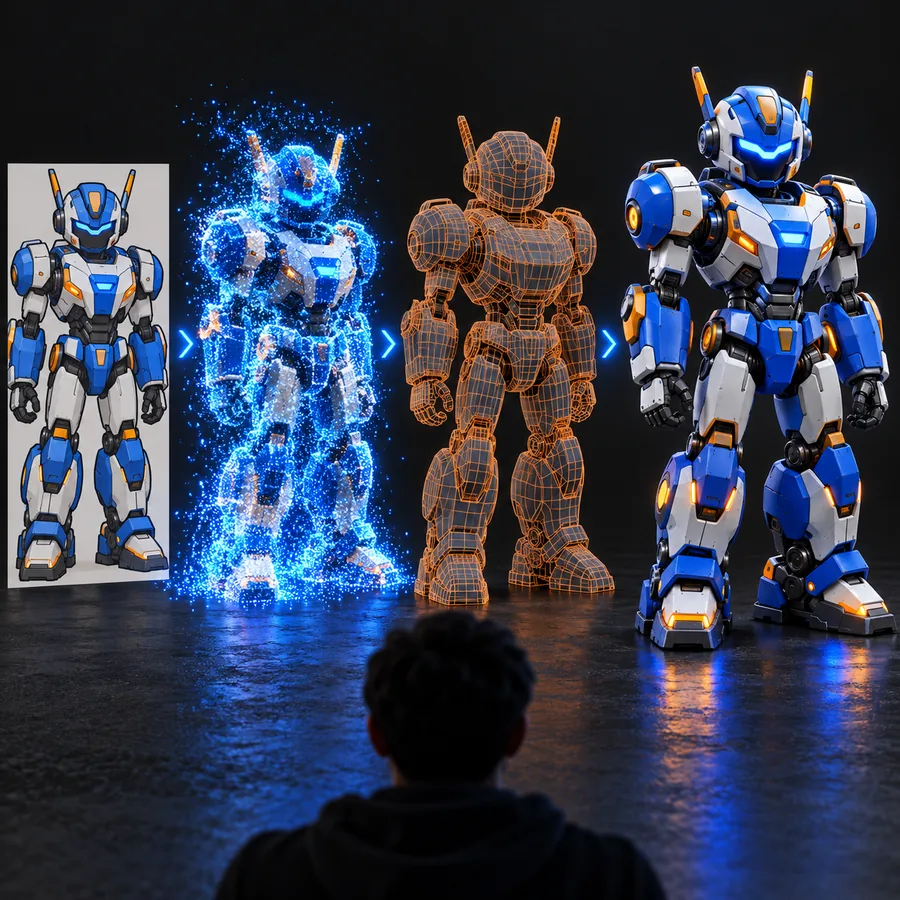
  • 3D model concept

The pair illustrates the difference between a flat reference and a model concept. It does not demonstrate measured accuracy, a specific conversion run or animation.

Flying robot shown as a flat reference image
Flying robot depicted as a three-dimensional model

Who uses it

The right workflow depends less on the name Neural4d than on what must happen after the first visual result.

When

You are exploring a character, prop or product silhouette

Then

Use an AI-assisted concept as a starting point.

Speed of visual exploration may matter more than precise construction at this stage; inspect the result before presenting it as a finished asset.

When

You need a model with exact dimensions or controlled topology

Then

Use a measured modeling workflow and verify the output.

A plausible image-derived surface cannot establish tolerances, watertightness or an edge layout suitable for downstream work.

When

You need an object to move through time

Then

Plan an animation workflow separately.

A static 3D concept is not automatically rigged or animated, regardless of how the term 4D is used.

Who uses it: how the workflow evolved

Modern image and text workflows build on decades of graphics research rather than a single definition of 4D.

  1. Interactive computer drawing

    Sketchpad demonstrated direct manipulation of computer graphics, an early foundation for creating and editing digital shapes.

  2. Image-based reconstruction grows

    Digital photography and improving computation helped make reconstructing 3D scenes from multiple views a more practical research and production approach.

  3. Neural radiance fields

    The NeRF research paper showed how a learned scene representation could synthesize new views from a set of photographs.

  4. Text-guided 3D research

    DreamFusion demonstrated a research approach to producing 3D representations with guidance from a text-to-image model.

Who uses it: choose a next step

Explore a 3D creation service

Neural4d is an explainer, not a guarantee of particular generation controls or output formats. The button leads to the linked service, a separate service; review its current capabilities and terms before relying on a result for a project.

Explore 3D creation
  • Bring a clear subject or reference
  • Inspect any result from multiple angles
  • Confirm the destination service’s supported outputs

FAQ

Here, the phrase refers to the intersection of neural or AI-assisted methods and 3D creation. It is not a standard file format or a guarantee that a result includes a fourth dimension. Neural4d uses it to explain the idea and its limitations.

Neural4d is this informational site. Its creation link leads to the linked service, a separate service. Check that service directly for its current inputs, outputs and requirements.

Not necessarily. In graphics, 4D can describe a 3D scene that changes over time, but a name containing 4D does not confirm animation support. A still model and an animated sequence are different deliverables.

A system can infer a possible hidden side, but the image contains no direct view of it. Inspect those estimated surfaces from other angles and provide additional references when accuracy matters.

Do not assume so from its appearance. Printing and production may require checks for dimensions, wall thickness, connected geometry and other project-specific constraints. Verify those properties in an appropriate modeling workflow.

Start creating
Start creating